FamilyBoard
v2.4.0 · Released

What's new in FamilyBoard v2.4

The biggest update since launch. Six new features that save time every week — plus hundreds of improvements.

Your own calendar inbox

Forward emails from school — AI puts the event in the Inbox

Every family gets a private alias address (calendar-xxx@inbox.familyboard.io). Forward emails from school, a club, or the coach — AI extracts time, place, attendees, and things to bring, and proposes the event in the Inbox for review. You approve with one tap. No more manually copying times between apps.

Read more →
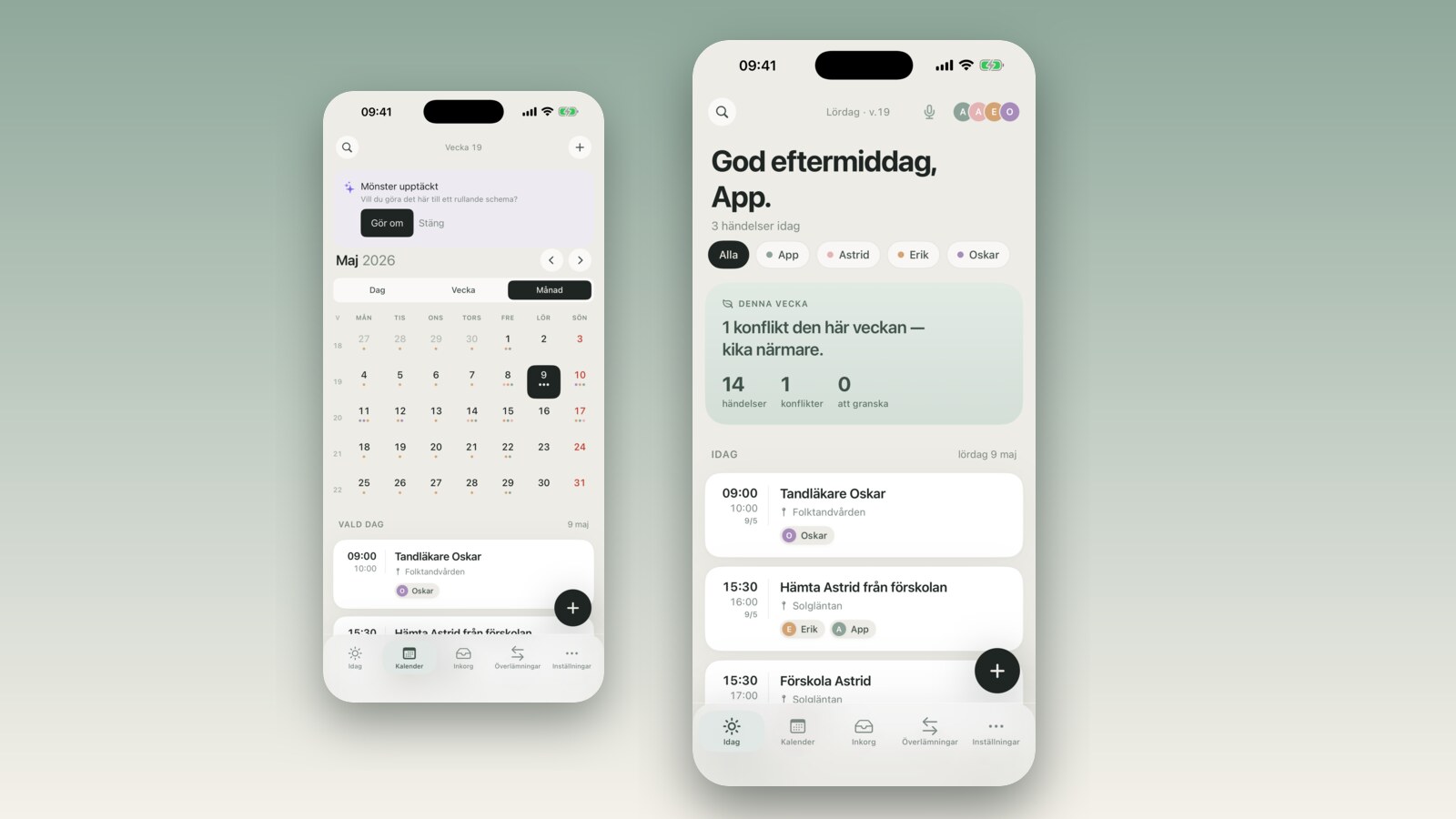
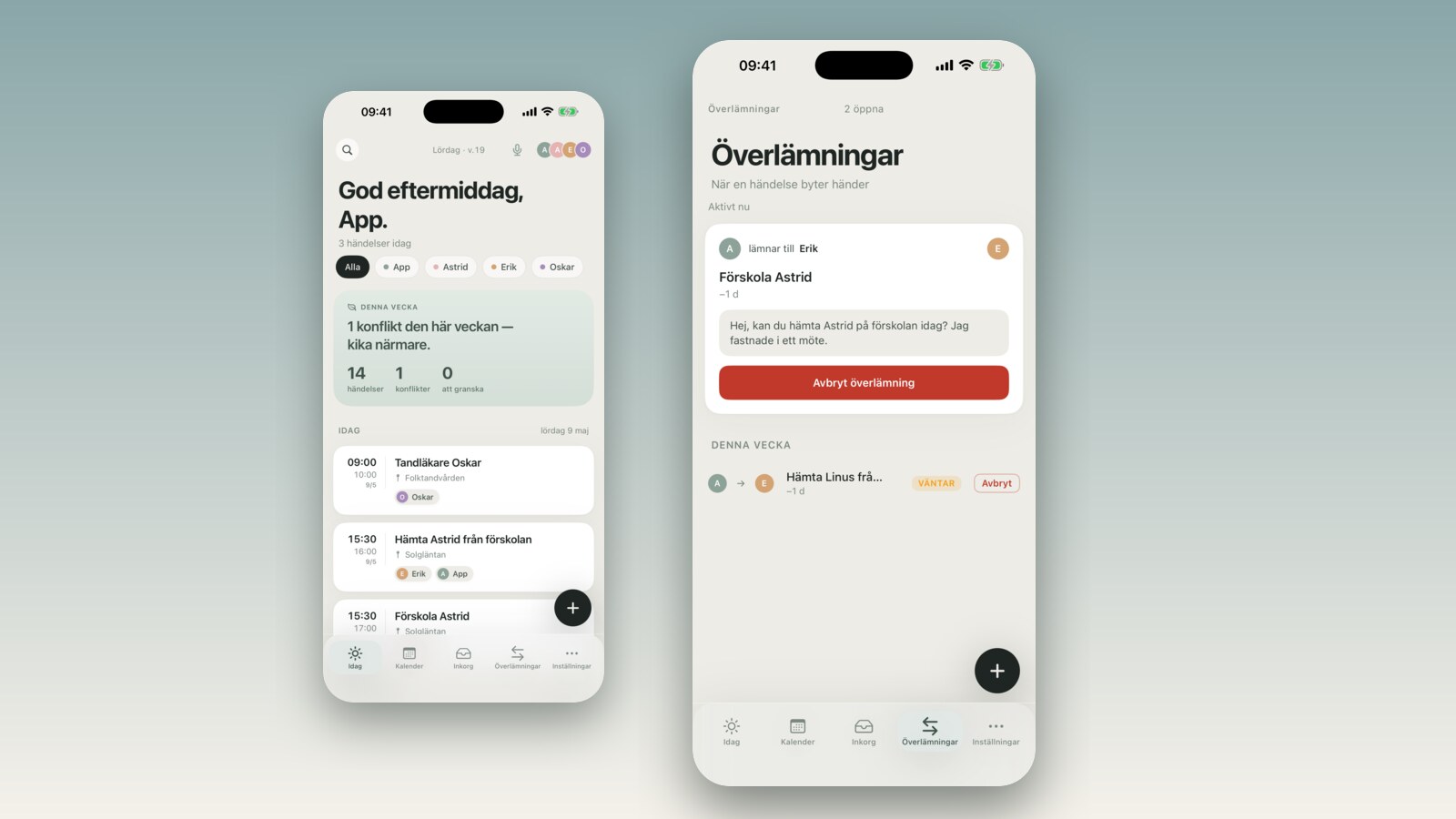
Screenshot of FamilyBoard's Inbox with an AI-parsed proposal from a forwarded school email

Hand off via iMessage

Send the activity to anyone without FamilyBoard — one tap

Need grandma to do the pickup? Select the activity, choose 'Hand off via iMessage' and send. The recipient gets time, place, and a short note pre-written — no separate app, no forgotten time. You can follow up in FamilyBoard to see whether they confirmed or need a nudge.

Read more →
Screenshot of an iMessage thread with pre-rendered text for a FamilyBoard handoff

Rolling schedules you can edit

Cycle length, anchor week, window and templates — all editable after the fact

We used to lock rolling schedules after creation. Now you can edit the cycle length, anchor week, look-ahead window, and every individual template without losing history. Great for seasons that change or shift cycles that get restructured.

Read more →
Screenshot of FamilyBoard's rolling schedule editor

Daily summary v2

Different times for weekdays and weekends, evening notification 'tomorrow', skip weekends

Get a morning push with today's events and an evening one with tomorrow's. Different times for weekdays (6:45 AM) and weekends (8:30 AM), or skip weekends entirely. The evening notification shows 'tomorrow: 3 events' so you know what's coming.

Read more →
Screenshot of FamilyBoard's notification settings for the daily summary

True real-time push

Inbox, availability, and handoffs reach you immediately

Some notifications used to wait until the app was opened. Now all of them — Inbox suggestions, availability bookings, and handoffs — go via APNs in real time. We also added permanent token invalidation so stale devices stop receiving notifications right away.

Read more →
Screenshot of an iOS lock screen with a FamilyBoard handoff notification

Availability in month view

The whole month in one view, free days in green — 8 seconds from click to booking

Previously the recipient of your availability link saw a long list of 96 time slots. Now they see a monthly calendar with your free days marked in green. Clicking a day opens only the slots for that day. Average time from link click to booking dropped from 40 seconds to 8.

Read more →
Screenshot of FamilyBoard's availability sharing in month view

Improvements and bug fixes

Hundreds of small changes. Here are the ten you'll notice most.

  • AI email parsing now recognizes homework notices and no longer tags the parent as an attendee on forwarded emails.
  • Apple Watch now syncs events faster via background refresh.
  • Widget updates go through even if the app hasn't been opened in a day.
  • Bonus family links are faster to create (under 1 second from button tap to QR code).
  • Imported calendars now show the correct attendee color from the first sync.
  • Push registration error messages are now human-readable instead of 'BadDeviceToken'.
  • VoiceOver now reads out the 'NEW' badge on feature cards in the landing app.
  • Dark mode in the lock screen widget now follows the system toggle instead of the app toggle.
  • The search field in the Inbox now searches extracted locations and attendee names too.
  • Account deletion is now accessible even from the blocking paywall screen.

Ready to try FamilyBoard v2.4?

Download on iPhone or Android. Six new features are waiting, plus a 14-day free trial.